
By 2 monthsSmiles with you
Private by default. Shared when you choose.
Track everyday care, explore food guidance matched to readiness and corrected developmental age, and see how your child may grow from newborn to five.
No ads. No analytics. Optional iCloud sync.
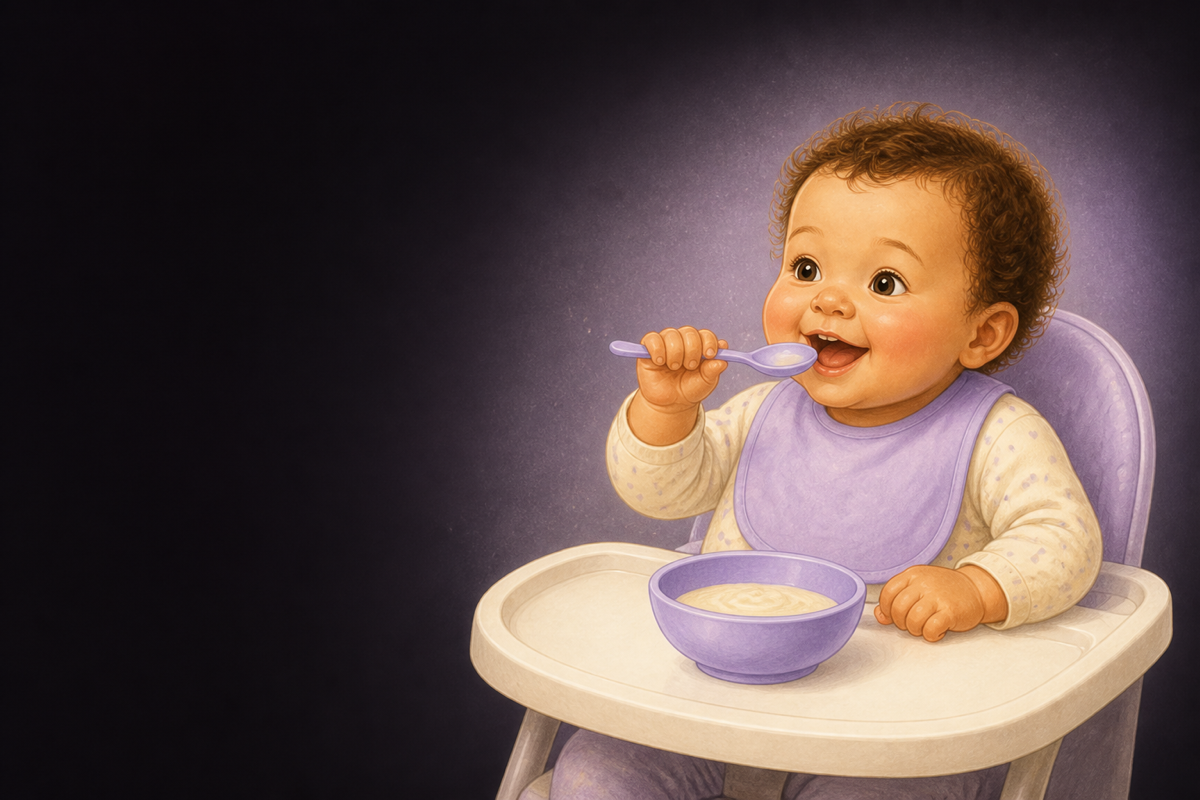


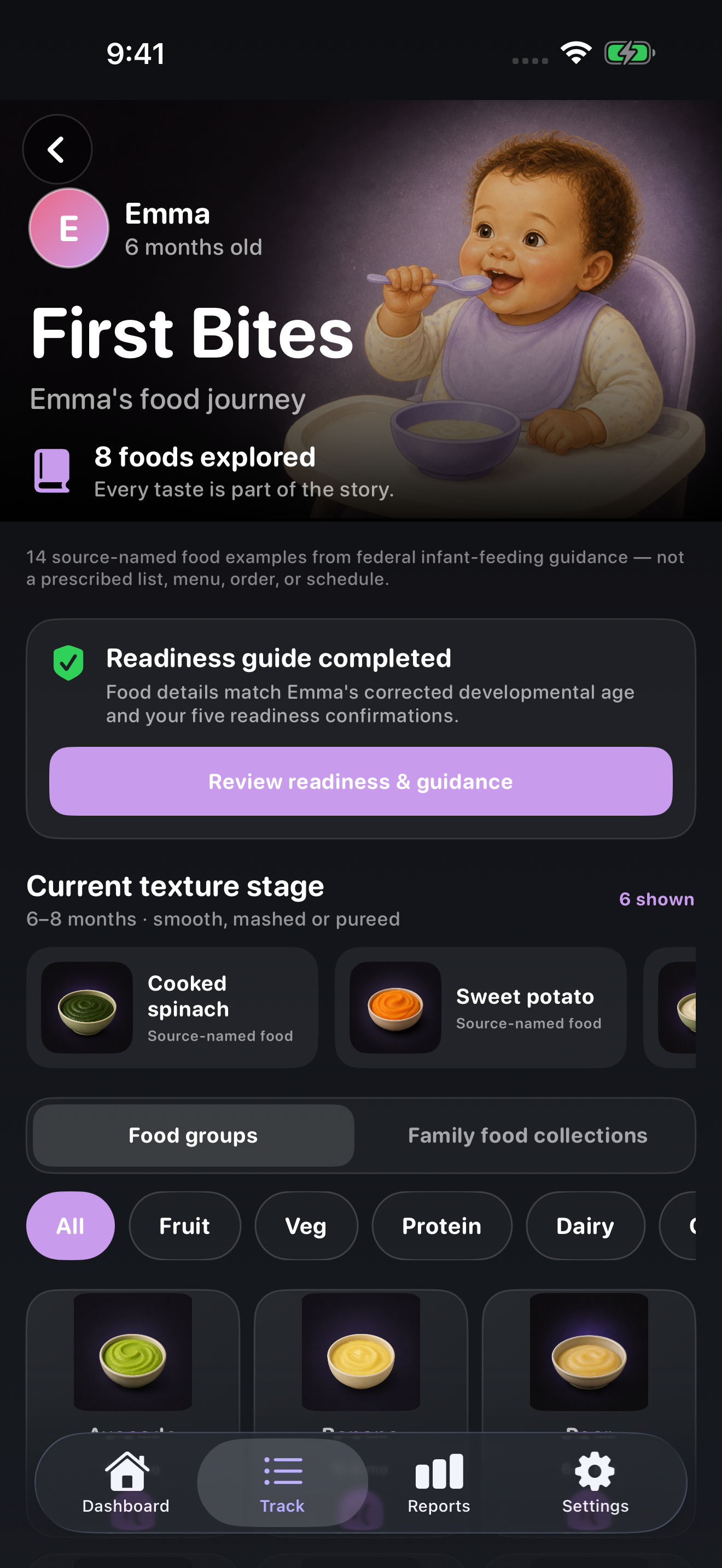
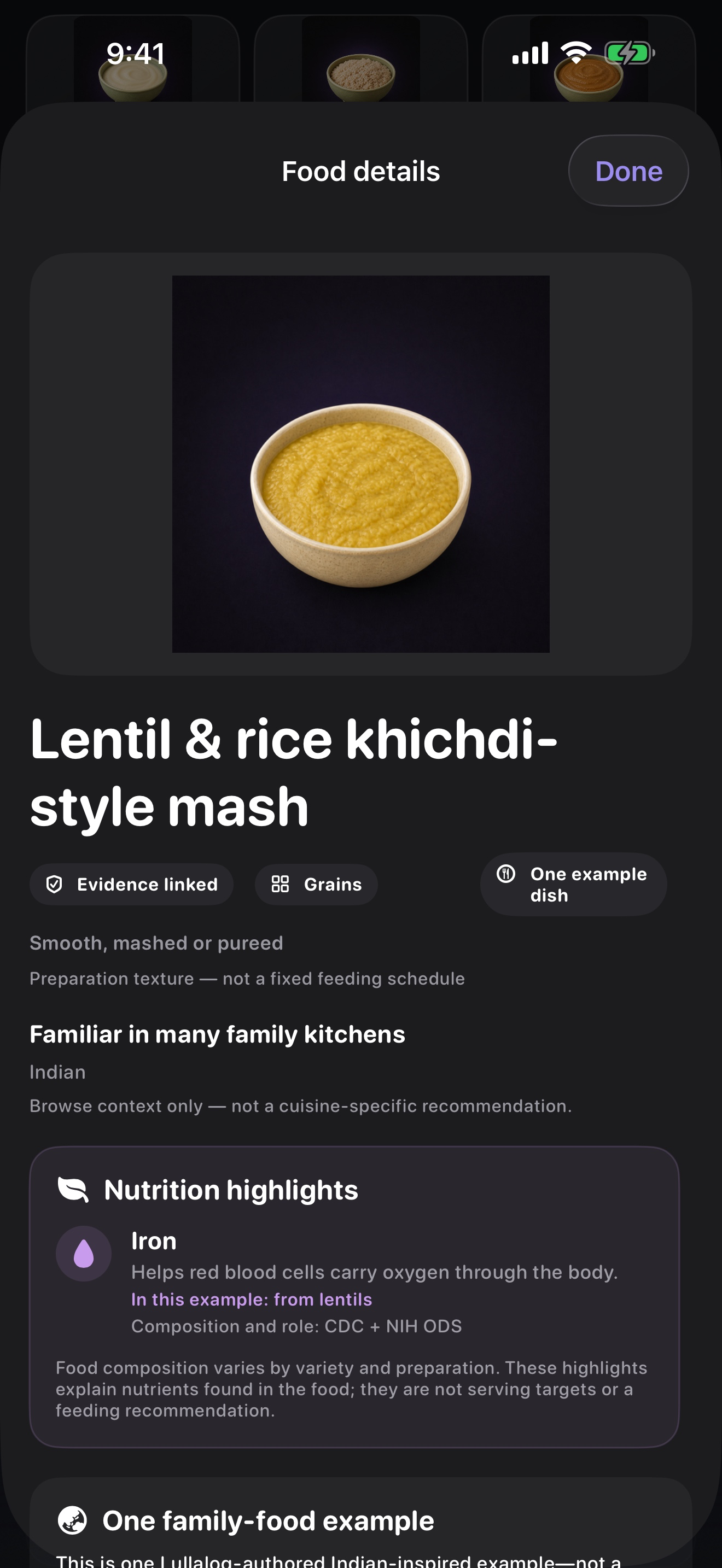
A readiness-aware food journey
First Bites keeps preparation guidance behind a corrected-age and five-sign readiness check. Food cards add evidence-linked nutrient context while keeping family-food examples separate from medical advice.
Food identity, nutrient context and general feeding guidance are traced to specific records from the CDC feeding guidance, CDC infant iron guidance, FDA, USDA WIC, and FoodSafety.gov. Food composition varies by variety and preparation. This is general education, not individualized medical advice.
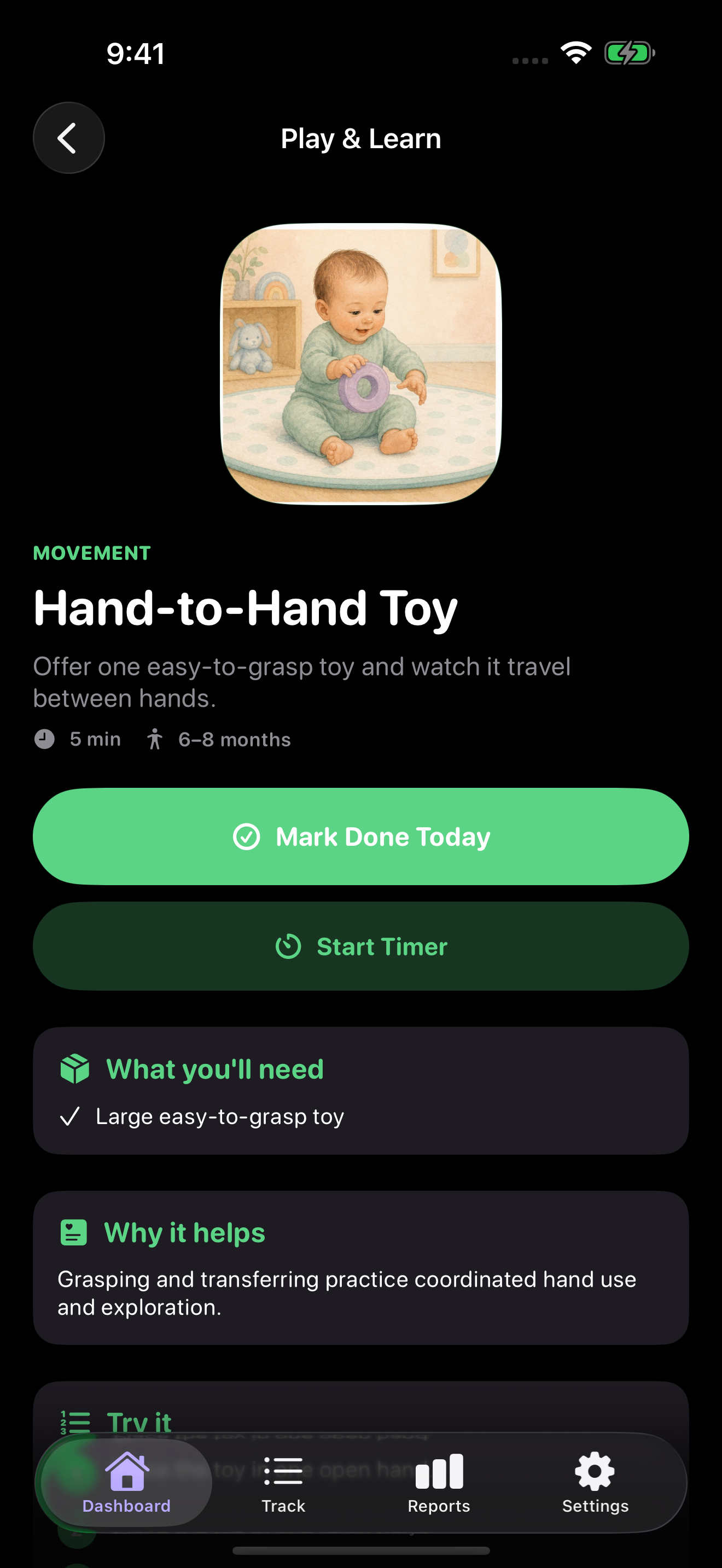
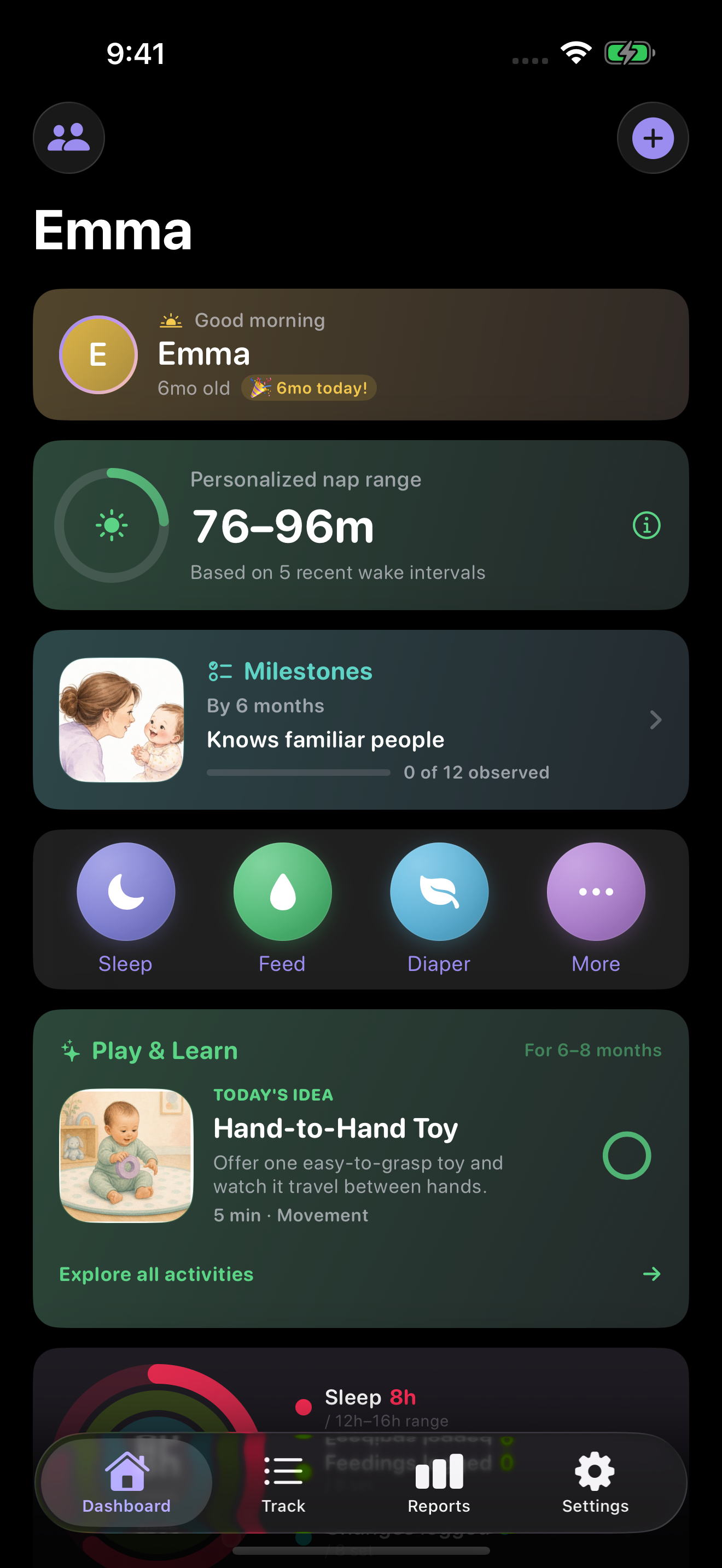
One useful idea for today
Play & Learn suggests a short activity for your child’s developmental age, then explains what to use, why it helps, how to try it, and what to keep safe.
Play & Learn offers general activity ideas, not developmental screening or medical advice. Follow your child’s cues and talk with their clinician if you have concerns.
A visual journey from newborn to five
Tap the bright green Timeline button beside your child’s age to explore each stage with a storybook avatar, practical context, and links to age-qualified play ideas and milestones.
 Birth
New to the world
Birth
New to the world
 6 months
Hands, voice & faces
6 months
Hands, voice & faces
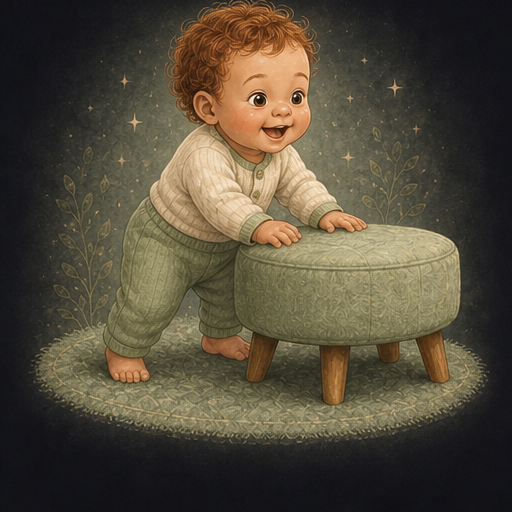 1 year
Little experiments
1 year
Little experiments
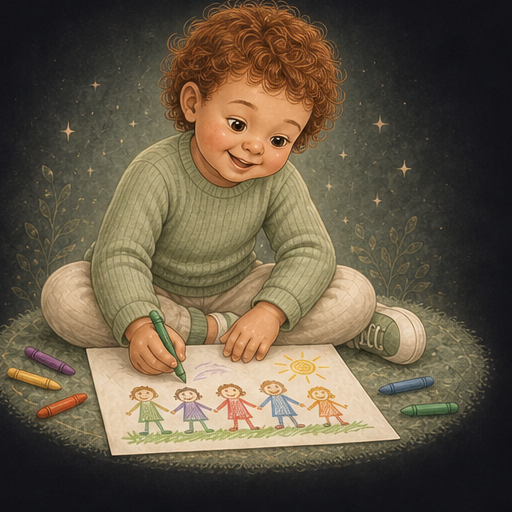 4 years
Stories & make-believe
4 years
Stories & make-believe
Choose Moonlight, Meadow, or Sky in the app—or keep using your baby photo. Earlier and current stages connect to relevant activities and milestone guidance; future stages are clearly previews, not predictions.
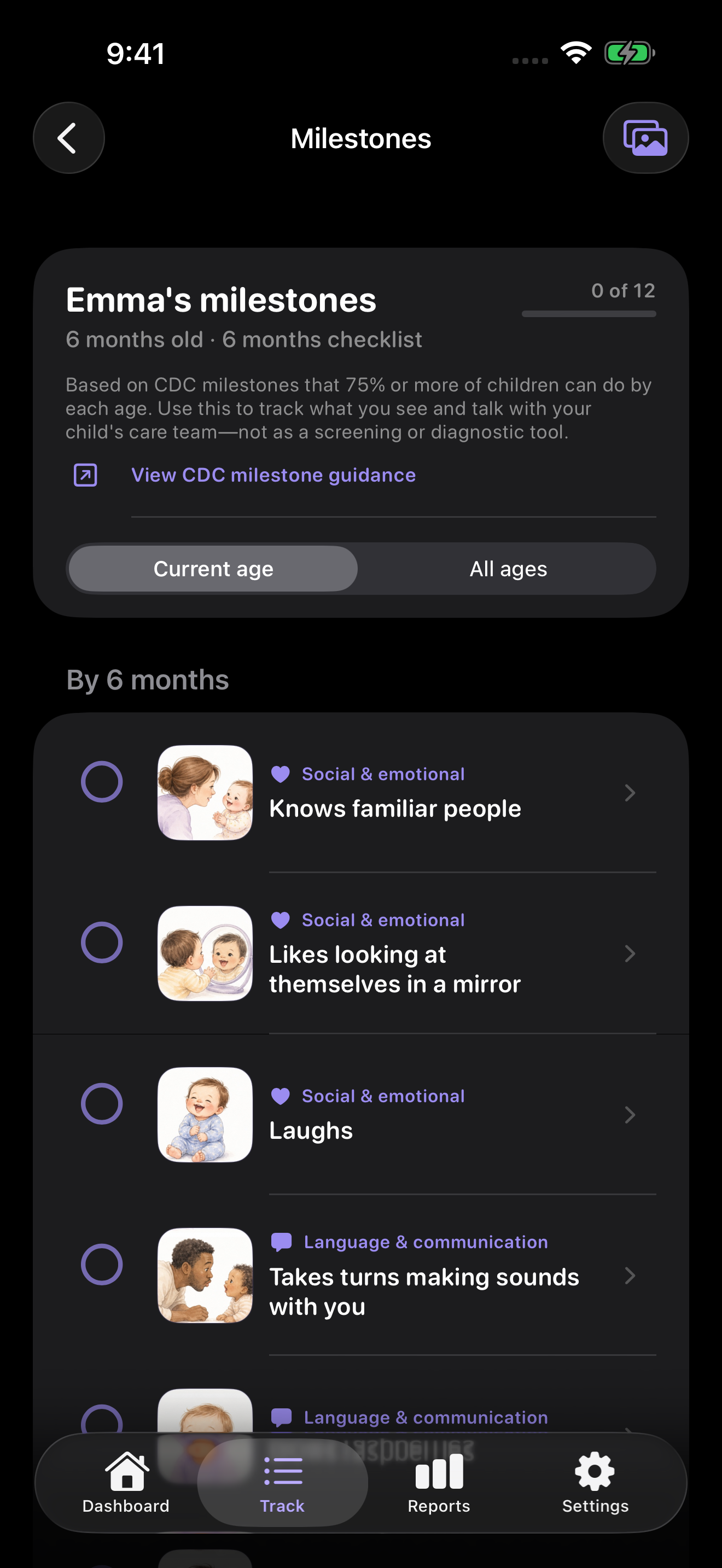
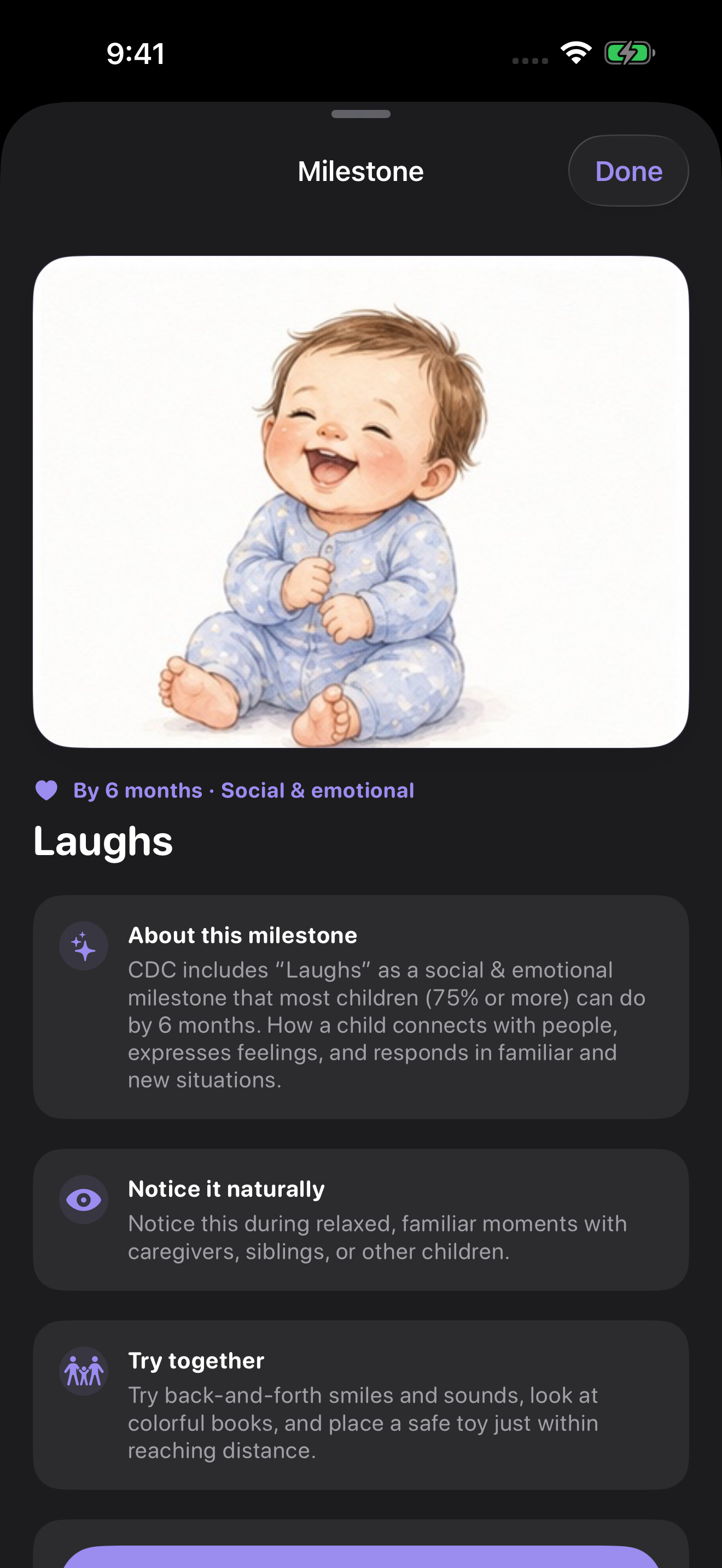
Milestones for every age
Lullalog shows an illustrated checklist matched to your child’s developmental age. Mark what you observe, keep the reached date, and open any milestone for a clear explanation and an everyday idea to try together.
Based on the CDC’s developmental milestones, which describe things most children (75% or more) can do by each age. Lullalog’s checklist is informational, not a screening or diagnostic tool.
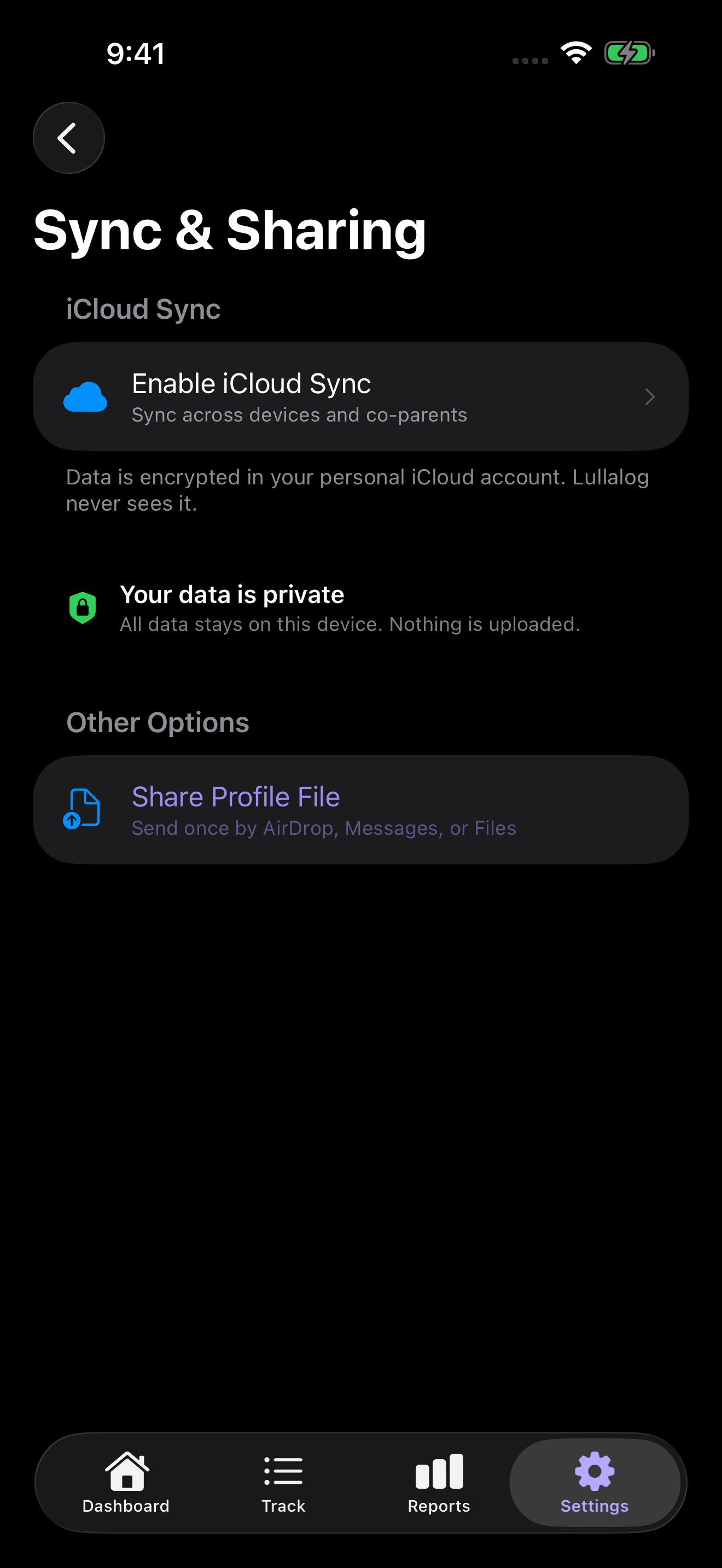
Shared with the people who care
Share a child profile through Apple’s CloudKit sharing flow. Co-parents can log care, mark milestones and Play & Learn ideas, and bring the same shared history back after reinstall.
First Bites, Growing Up, Play & Learn, and Milestones live beside the fast daily tools parents already need: timers, quick logs, reminders, reports, widgets, shortcuts, and Apple Watch.
Start, pause, and end sleep with Lock Screen, Dynamic Island, and StandBy support.
See the sleep trackerTrack breastfeeding sides, bottle volume, solids, reactions, and a structured First Bites food journey.
Capture everyday care and sick-day context quickly, even during interruptions.
Keep weight, length, and head-circumference entries alongside the care timeline.
Review trends and export care history when you want a broader picture.
Log from the surface already in your hand, including Apple Watch and Siri Shortcuts.
Lullalog is free, has no ads, and does not use analytics SDKs. iCloud sync is optional, and sharing begins only when you choose it.
Daily care stays on the device unless iCloud sync or sharing is enabled.
Your baby’s routine is not a source of advertising or engagement data.
Export your history or use the app’s reset controls when you need them.
For the little things worth remembering
Explore the next food or growth stage, try one small activity, track the next feed or nap, and remember the moments that become milestones.
Download Lullalog