Log in a few taps
Record sleep, breastfeeding, bottles, solids, diapers, pumping, medicine, tummy time, baths and custom activities.
Private by default
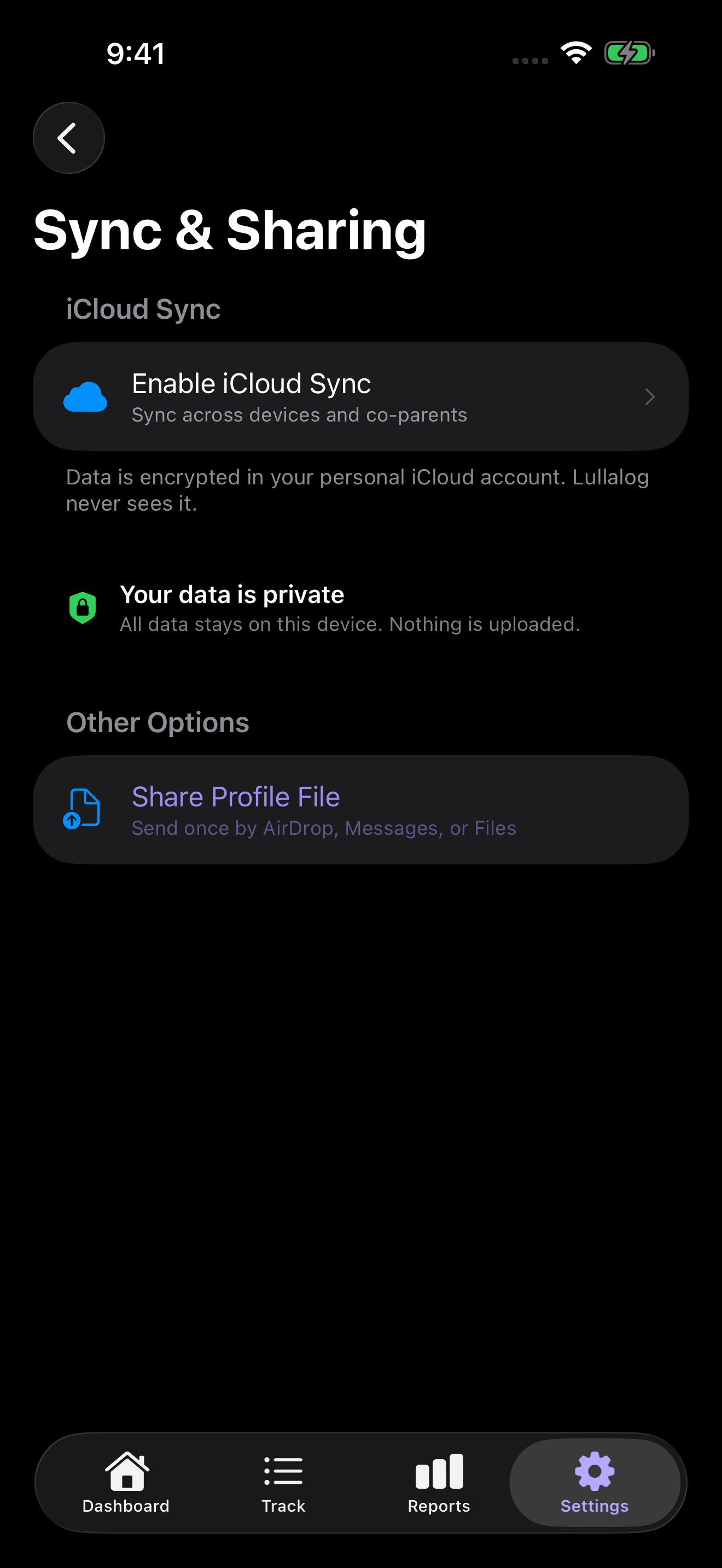
Lullalog tracks sleep, feeds, diapers, growth, medicine, milestones and everyday care without requiring a Lullalog account. Your history stays on your device unless you choose iCloud sync or caregiver sharing.
No ads. No subscription. No analytics SDKs.
One calm place for everyday care
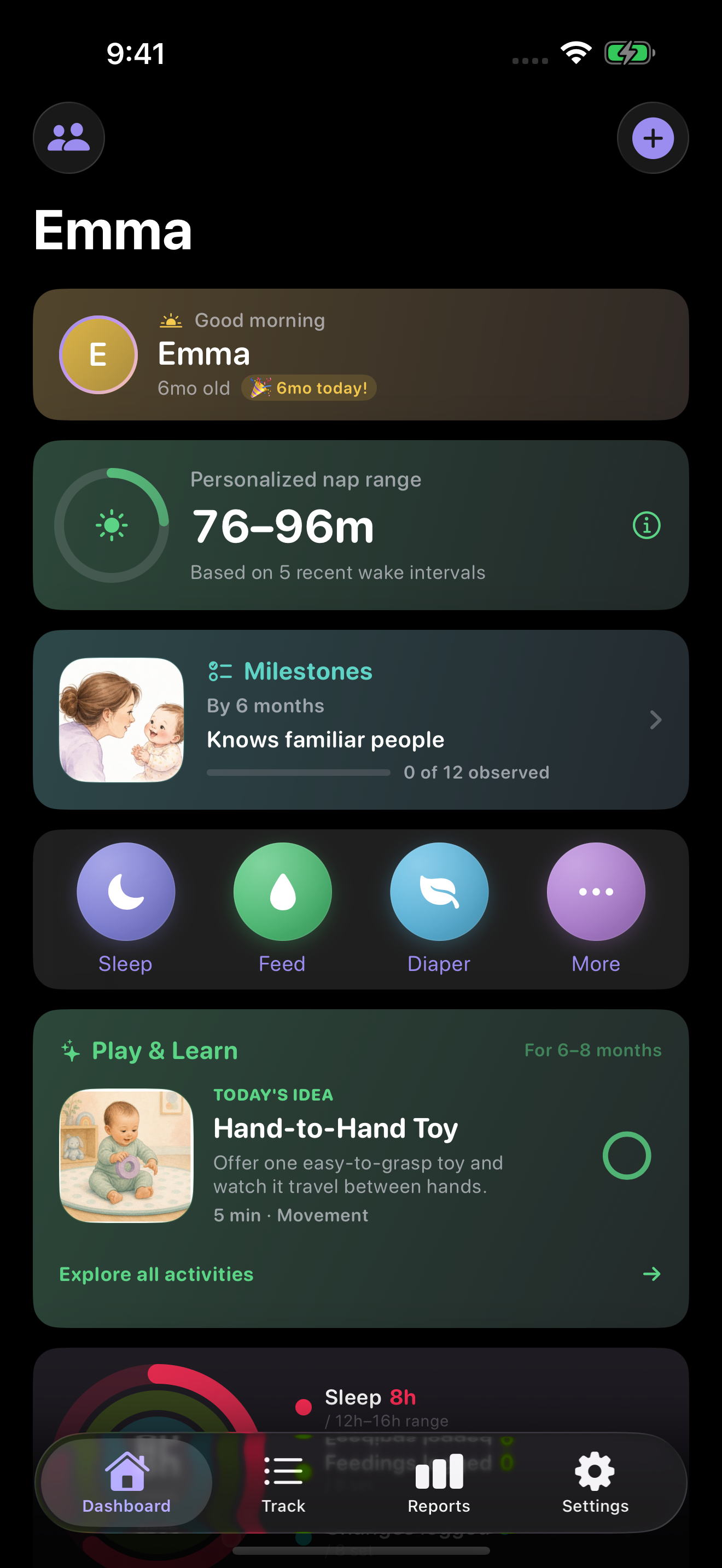
Lullalog combines the quick tools parents reach for at 3 a.m. with age-aware context for the months and years ahead.
Record sleep, breastfeeding, bottles, solids, diapers, pumping, medicine, tummy time, baths and custom activities.
Review reports, growth history, milestone dates, a Growing Up timeline and age-matched activity ideas.
Timers, Live Activities, widgets, Siri Shortcuts and Apple Watch reduce the need to hunt through menus.
Optional iCloud sync
Your own devices can sync through your Apple iCloud account. If you invite a co-parent or caregiver, Apple’s CloudKit sharing flow gives that person access to the shared child profile.
Cloud sync depends on Apple’s iCloud and the account settings on each device. Lullalog remains useful locally when optional sync is off.
Common questions
Yes. Lullalog has no subscription, ads or in-app purchases.
Lullalog does not run an account server or analytics pipeline for that history. Records stay local unless you enable optional Apple iCloud sync or sharing.
Yes. Invite the other caregiver through iCloud sharing. Shared record updates then use Apple’s CloudKit infrastructure.
Local-only data is removed with the app. When iCloud sync was enabled, supported records can be restored with the same Apple account; periodic exports are still a good backup habit.
Explore more
Download Lullalog for iPhone, iPad and Apple Watch. Start locally and turn on sharing only if your family needs it.
Download Lullalog